
Project Continuum guide: Runway's AI operating system explained
Runway Labs wants your computer to render its own interface instead of shipping apps. Its own build calls itself a real-time video operating system at v0.0.1-alpha. Here is what it does, what it runs on, and what is still broken.
Updated 1 Oct 2026 · next update 8 Oct 2026
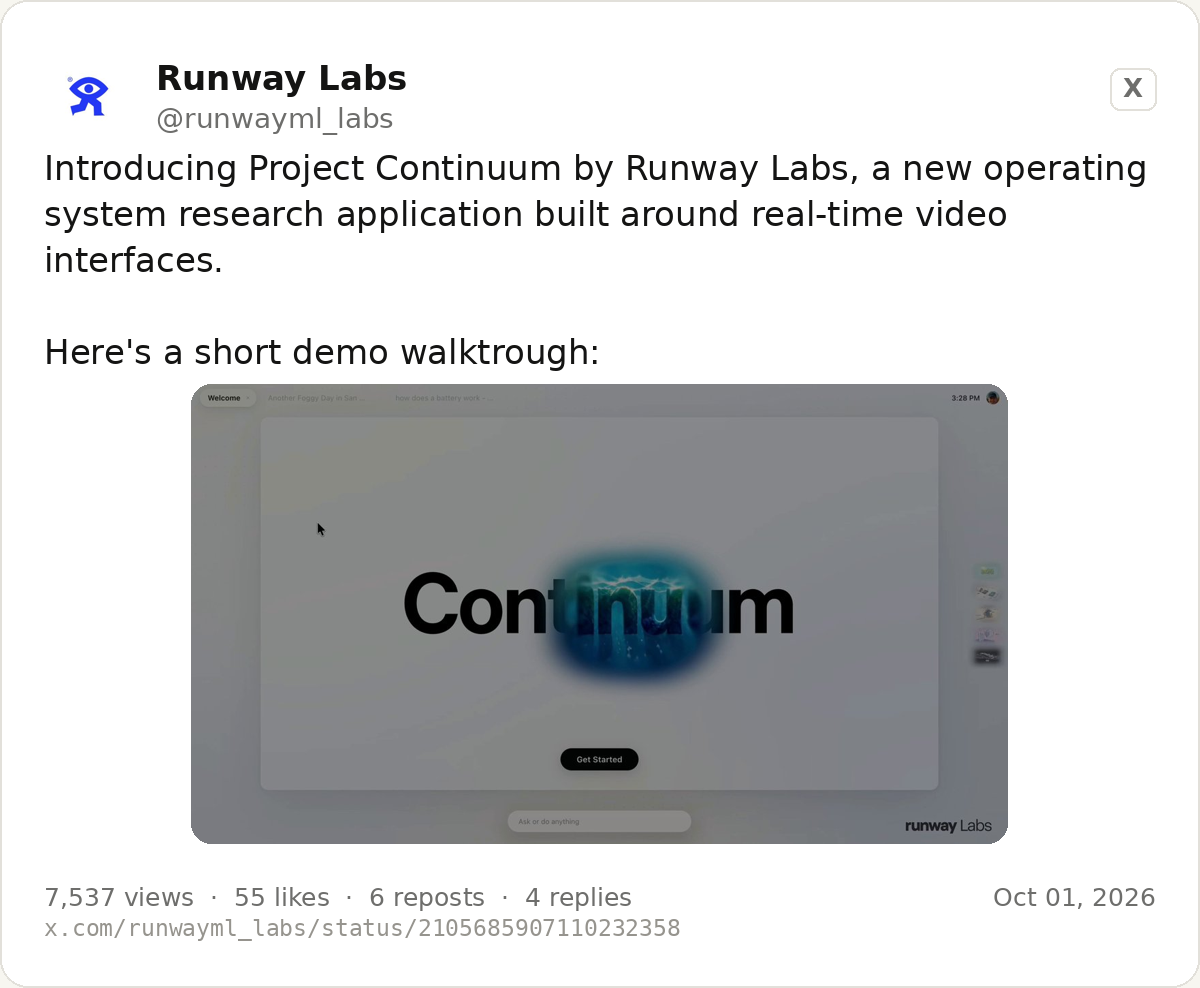
@runwayml_labs, 1 October 2026. Card rendered from the post; read it on X at https://x.com/runwayml_labs/status/2105685907110232358.
Runway Labs announced Project Continuum on 1 October 2026 as "a new operating system research application built around real-time video interfaces", showed a five-minute walkthrough, and named four ways of using it. Nothing is for sale, there is no waitlist and no price. What follows is everything the company has actually put its name to, plus the research family it sits on, explained without assuming you work in AI.
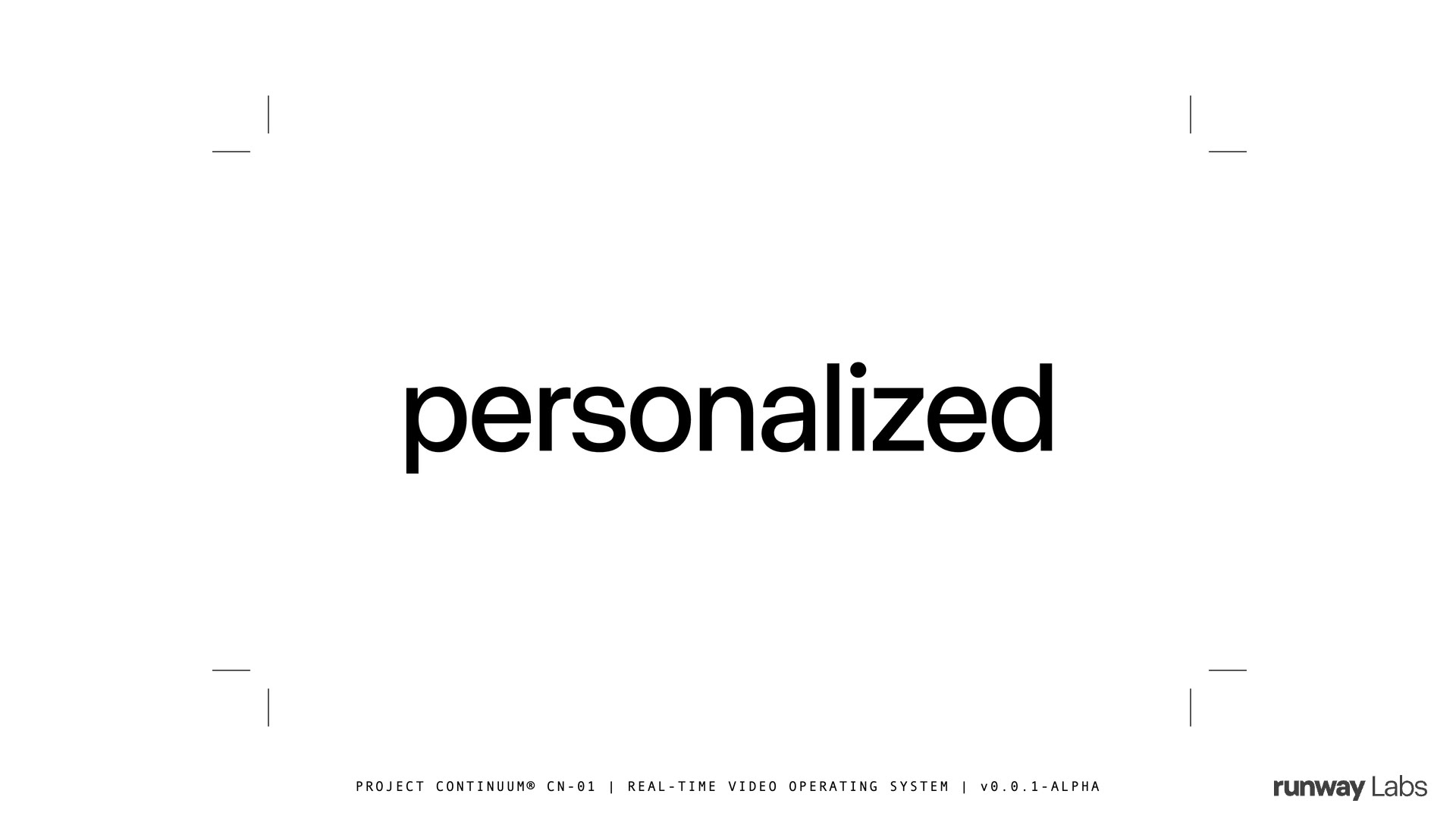
Frame from Runway Labs' Project Continuum walkthrough at 0:06.
Key facts as of 1 Oct 2026
- Project Continuum is a research application, announced 1 October 2026 by Runway Labs: "a new operating system research application built around real-time video interfaces."
- Its own interface labels it plainly. The demo's own header, visible in the walkthrough, reads "PROJECT CONTINUUM® CN-01 | REAL-TIME VIDEO OPERATING SYSTEM | v0.0.1-ALPHA", which is the most specific thing published about its status.
- Four interaction modes ship in the look: Portals, Visual Thinking, Responsive Video Interfaces and Interactive Worlds, announced by Runway alongside the Labs account.
- It stands on Interface World Models, a family Runway opened with Solaris on 31 August 2026: a model that generates the interface itself, frame by frame, with no code in between.
- Solaris is built on Gen-4.5, Runway's video model, and follows GWM-1, their general world model announced 11 December 2025.
- Portals persist across the machine, not inside one app. In the walkthrough they are generated video windows that keep their state as you move around, and they are deliberately given fuzzy edges so a viewer can tell generated content from fixed content.
- Resizing a portal is model input. Dragging a window's corner regenerates the scene rather than scaling pixels, which is the first place the demo shows the interface behaving unlike software.
- Visual Thinking shows an agent's work as generated 3D. Asked for a bike-mount 3D print, the demo's coding agent renders what it is reasoning through instead of printing a wall of text.
- Interactive Worlds streams a place rather than a clip. The demo's example is a Mars outpost you full-screen, click into and zoom around, with a habitat dome you can inspect.
- No availability, no pricing, no date. Runway's own words, from the walkthrough, are "an early look" and "we're excited to share more soon". Solaris itself is still described as early access by request.
The state of play in one sentence: Runway has put a working prototype of a generative operating system in front of the public, on top of a model family it has been shipping in research form since December 2025, while telling nobody when any of it will be buyable.
What Project Continuum is, without the vocabulary
Every computer you have used works the same way. Somebody writes an application, the operating system decides where its window sits and what it draws, and the application stays exactly as it was written until somebody ships an update. The pixels on your screen are a fixed drawing, and the drawing is defined in code long before you arrive.
Continuum asks what happens if the operating system renders the interface itself, frame by frame, as you use it. Instead of a browser loading a page, or an app drawing its own window, a model generates the picture you are looking at continuously, and your clicks, drags and window resizes become inputs to that generation. There is no app to open, no page that was built in advance, and nothing to translate into code. In Runway's framing, the interface is generated rather than served.
The demo is presented by a designer and prototyper at Runway Labs, who explains the idea in the first twenty seconds, and if you only watch one part, watch it: "as real-time video models become available, we've been exploring how they might live beyond the browser and in an operating system that you use every day."
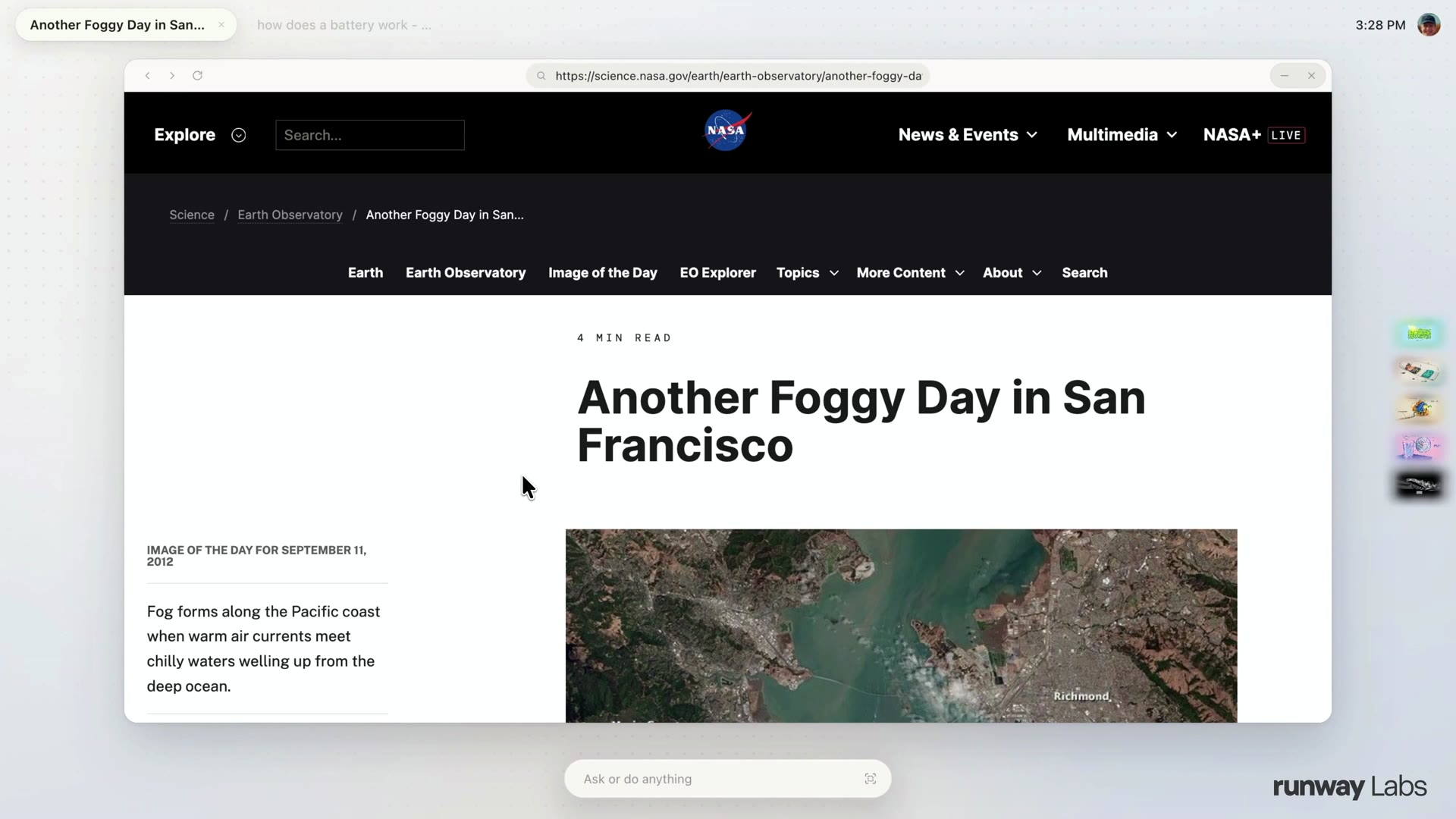
Continuum reads a page and keeps its context; the prompt bar sits across the bottom. Frame from Runway Labs' Project Continuum walkthrough at 0:40.
What you actually see is ordinary until it isn't. There is a prompt bar along the bottom, where you ask or do anything, and tabs along the top holding the things you were working on, because the system keeps context and memory of your tasks. The interesting parts are what it does when you point at something.
The four modes, one at a time
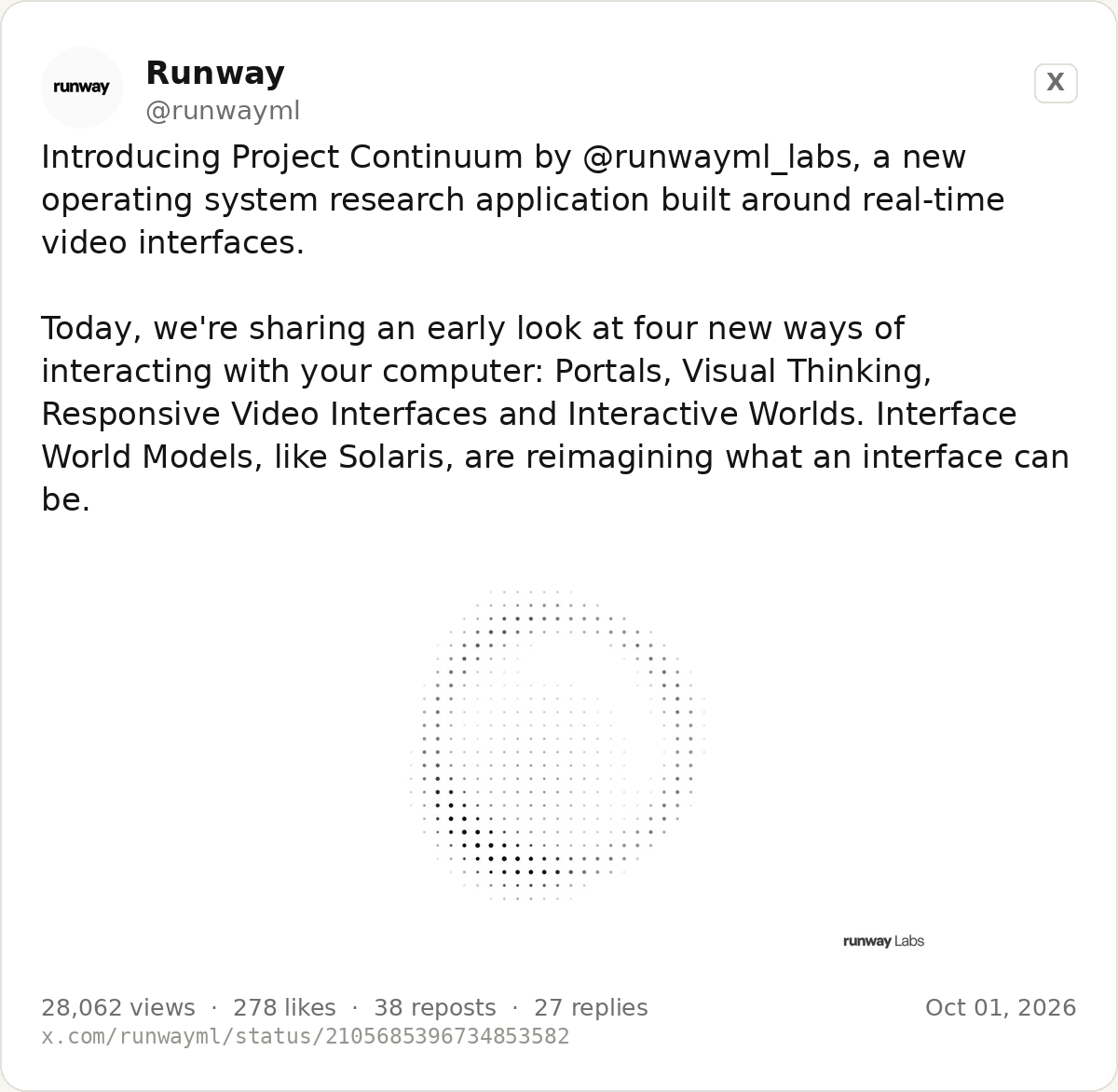
@runwayml, 1 October 2026. Card rendered from the post; read it on X at https://x.com/runwayml/status/2105685396734853582.
Portals. Select something on screen, and Continuum generates a real-time video portal about it: a 3D visualisation, a diagram, a living scene, anything that takes the topic further in a visual way. Portals follow you around the machine rather than belonging to a page, so they wait in a drawer on the right until you open them again. Crucially, their edges are soft and dreamlike, and that is not decoration: it is how the system marks which parts of your screen are generated and which are the real, fixed thing you asked about.
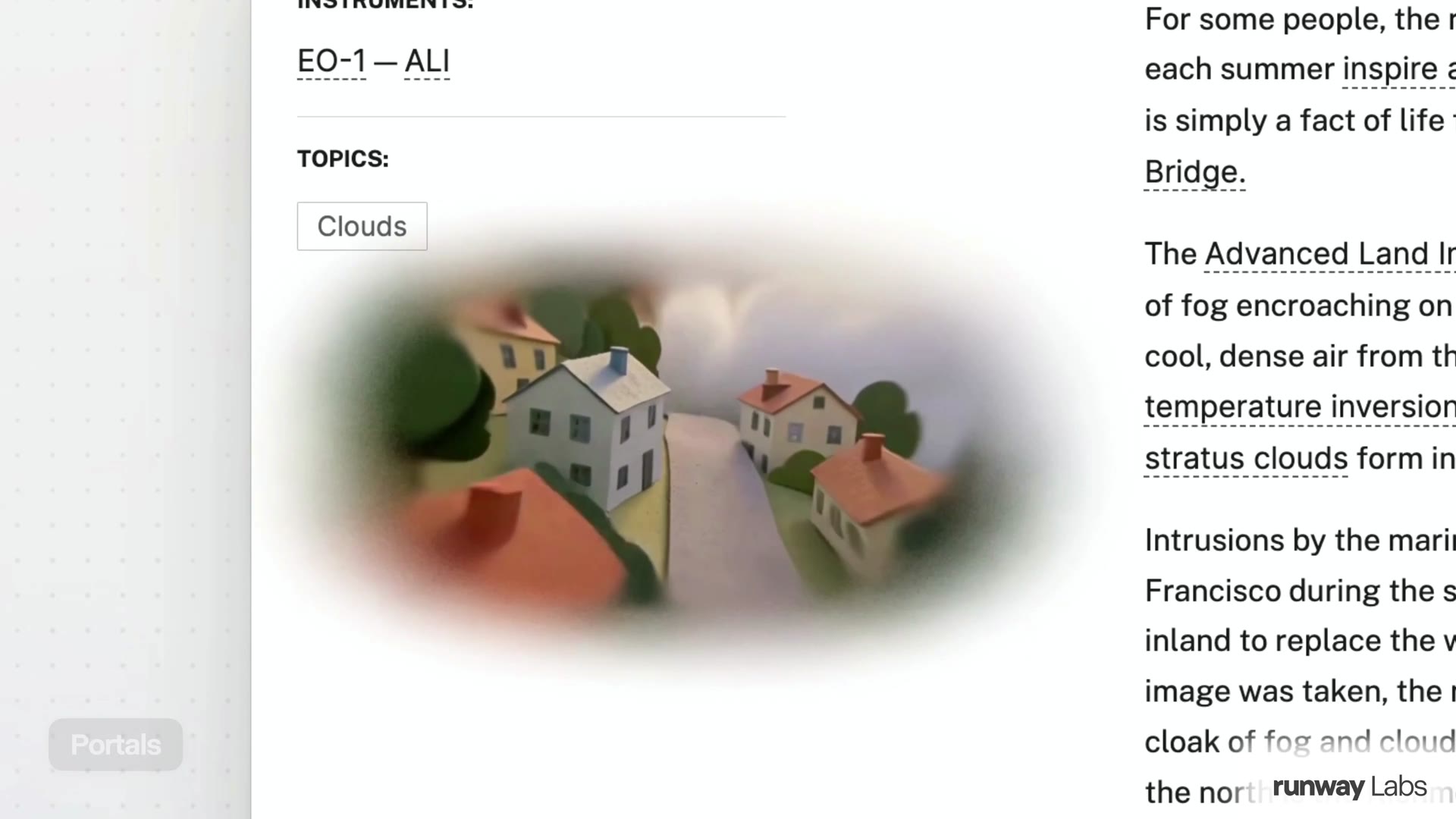
A portal opened beside the page that prompted it. Frame from Runway Labs' walkthrough at 1:08.
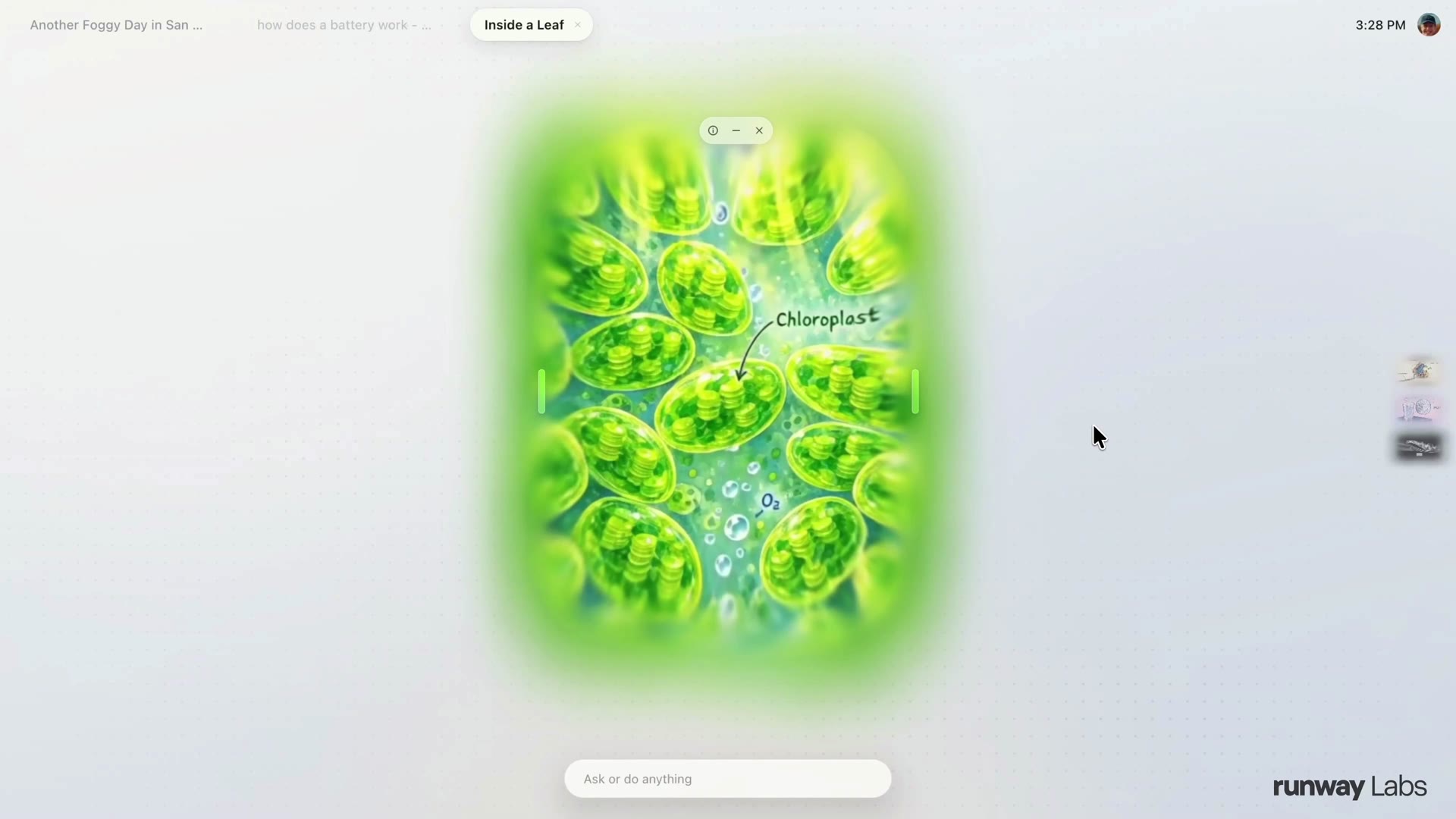
Resizing a portal regenerates the scene rather than stretching it. Frame from the walkthrough at 2:00.
Then the demo does the thing that separates this from a video player. The presenter drags a window's corner, and because the resize is an input to the model, the scene is regenerated at the new size with more context rather than cropped or scaled. Clicking anywhere inside a portal is likewise an input. A tooltip exposes the prompt underneath, so the experience stays editable rather than magic.
Visual Thinking. This is the mode aimed at agents. Rather than asking for a paragraph, the demo asks for a 3D printed mount for a bike, and the system picks the mode itself from the intent. What opens is a chat window where the coding model builds a real-time video view of the part it is designing, so you watch reasoning as geometry instead of reading it as prose. Runway's argument is trust: if an agent is going to influence a physical object, seeing its working matters more than reading its summary.
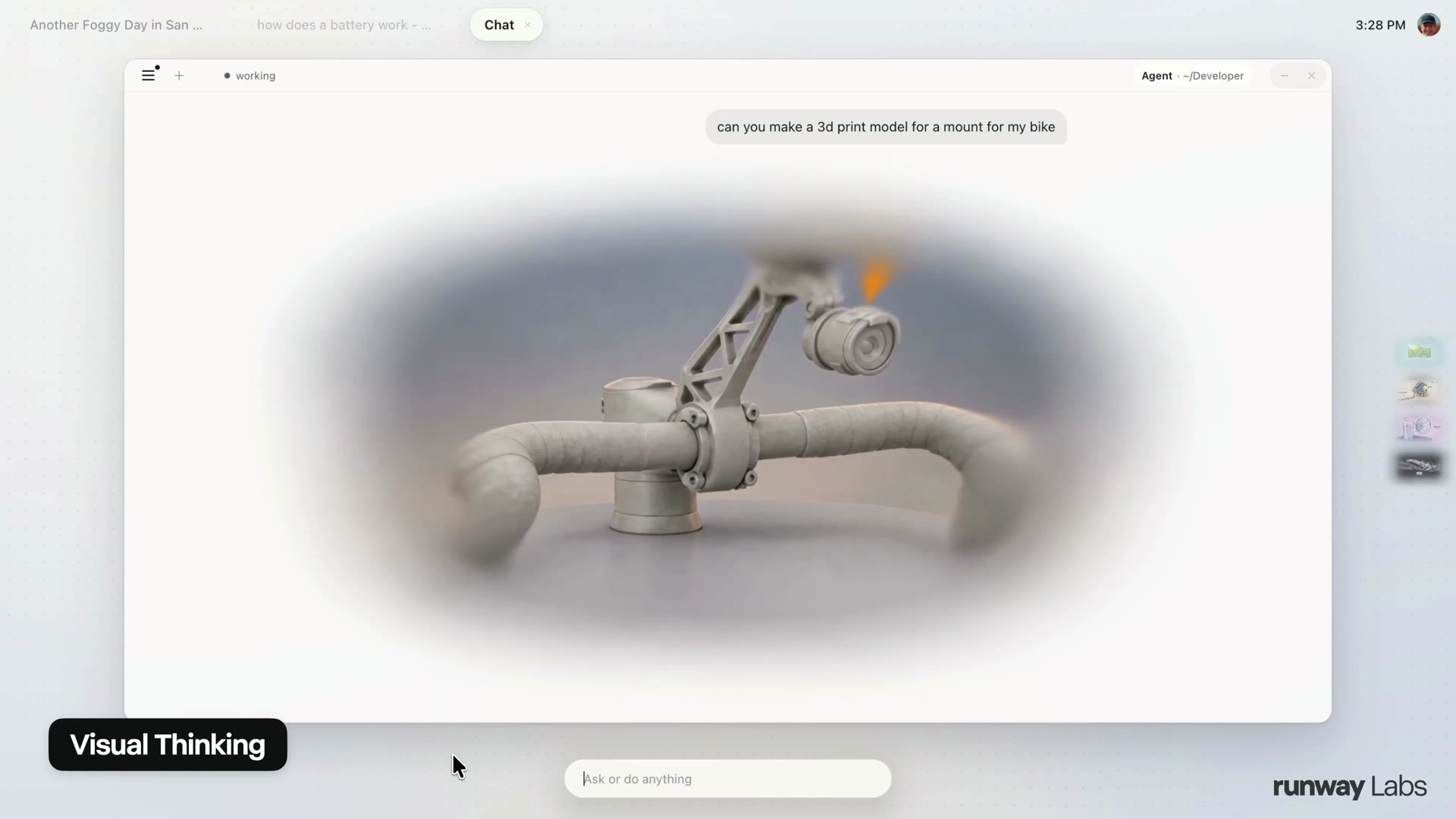
The agent's 3D visualisation of a bike-mount part, in a window labelled Visual Thinking. Frame from the walkthrough at 3:30.
Responsive Video Interfaces. Continuum also proposes interfaces before you ask. In the demo, after reading about Mars, the system offers generated suggestions drawn from what is on screen. This is the mode where the operating system stops being a place you launch things and starts behaving like a surface that reacts to what you are doing.
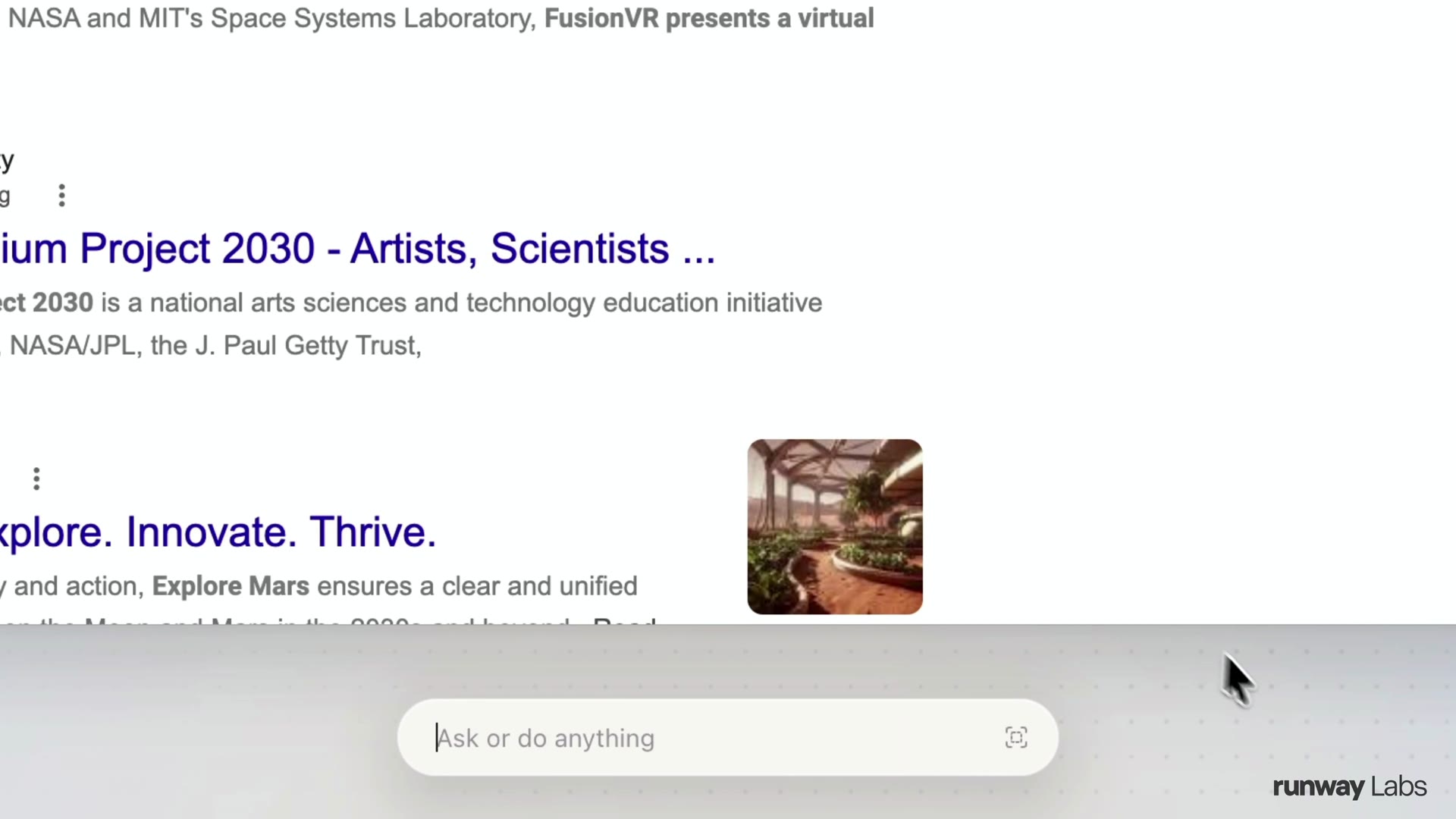
Generated suggestions offered from the page that was open. Frame from the walkthrough at 4:25.
Interactive Worlds. The last mode is the one most familiar to anyone following real-time world models: a whole environment streamed live, in the demo a Mars outpost with a rover and a habitat dome, which you can full-screen, click into and zoom through. The difference from a generated video clip is that the world keeps running and responding while you move inside it.
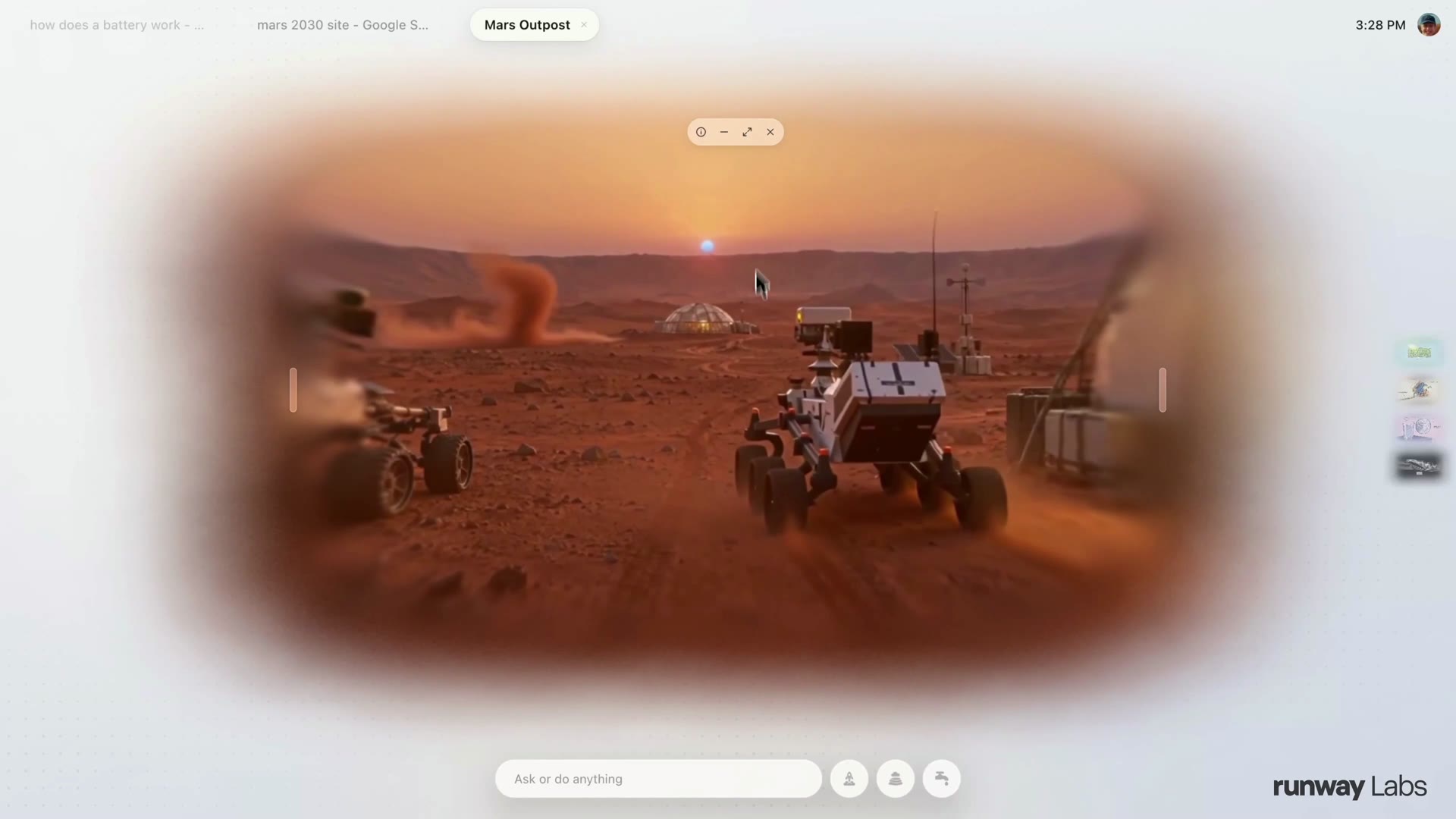
The Mars outpost world, streamed rather than played back. Frame from the walkthrough at 4:50.
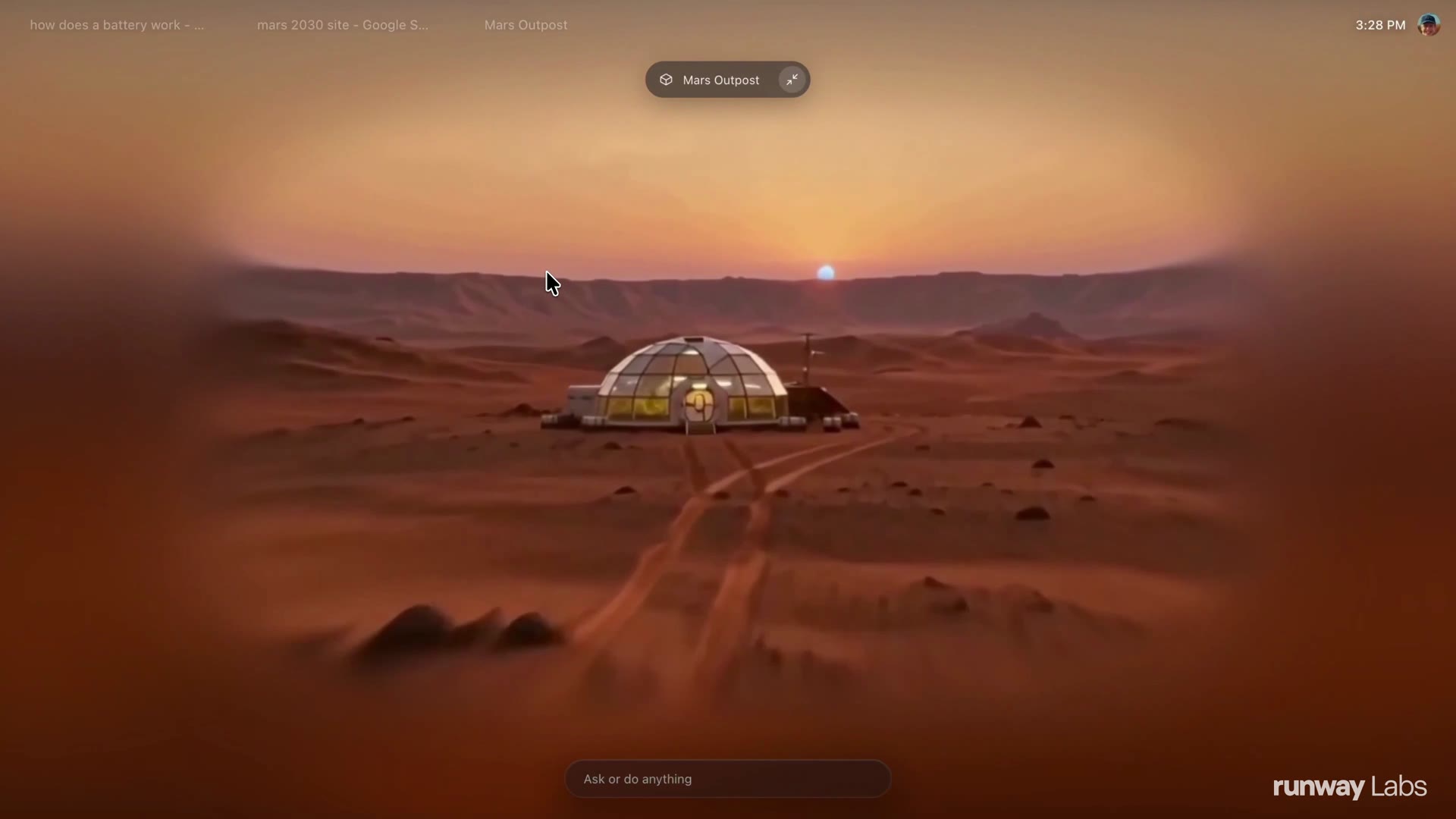
Zooming into the habitat dome inside the same world. Frame from the walkthrough at 5:02.
What it runs on: the Interface World Model underneath
Continuum is the application; Solaris is the engine, and Solaris is the part with the engineering claims in it.
Solaris generates the interface one frame at a time. A language model decides what should happen next and writes the prompts; the world model renders what that looks like, in real time, including the response to your input. Runway describes the split as reasoning separated from rendering. It is built on Gen-4.5, adapted in three steps: frames generated autoregressively, so each frame depends only on what came before; the many-step denoising process distilled down to a few steps so a frame can arrive fast enough to feel live; and the fast model then trained on its own output so quality does not drift during a long session.
Their own description of the barrier is worth quoting, because it explains why this class of product did not exist until now: interactions stop feeling interactive somewhere around half a second of delay, a generated interface has to stay coherent for an entire session rather than one clip, and generating every frame is more expensive than serving a page that was built once. Solaris is Runway's bet that all three are engineering problems rather than laws of nature.
The lineage matters if you are trying to judge how new this is. GWM-1, announced 11 December 2025, was Runway's first general world model family, with variants for worlds, avatars and robotics. Solaris, on 31 August 2026, turned that same real-time machinery on the interface rather than the scenery. Three days later, GWM Worlds 2 applied it to full environments, at 720p and 24 frames per second with generated audio at 48,000 Hz, rather than interfaces. Continuum, four weeks after that, is the operating system built on Solaris. The hub of everything we track in this area is our own world models guide.
Who it is for, and what it costs
Nobody can buy Project Continuum today. Runway published no price, no waitlist and no release window; the walkthrough ends with "that's just an early look" and a promise to share more. Solaris, the model underneath, is described as launching publicly with key partners and is still early access by request.
What Runway does sell is the surrounding business, which is where any of this would eventually land: Runway Creative for people making video and images, Runway Dev for developers buying models by API, and Runway Robotics for people running policies against simulated worlds. We track that commercial surface, including the pricing changes in September and the model router experiment, in a live hub.
What is still broken
An exhaustive guide that stops at the demo is advertising, so here is what Runway itself says is unsolved, and what any reader should hold on to.
- Text is the hard part. Legible, stable text remains one of the hardest problems in video generation, and interfaces depend on text more than almost anything else. Runway floats a hybrid: image models for text-heavy views where a pause is acceptable, video models for continuous interaction.
- A convincing wrong answer is worse than no answer. In a commercial or instructional setting, a generated interface that confidently shows the wrong price is a liability, which is why Solaris stays anchored to a starting frame built from real product imagery.
- Long sessions drift. Keeping visual and semantic coherence across a long, open-ended session is still active research.
- Accessibility is an open question. A generated interface still has to work with screen readers and accessibility APIs.
- And it is a demonstration. Every figure in this piece is a frame from Runway's own footage. Nothing here was tested independently, no latency was measured outside their video, and the "v0.0.1-alpha" label in their own header is the only maturity claim anybody has made.
The Project Continuum diary
An entry is added once and never rewritten; a correction becomes a new dated entry. Nothing precedes this one because the product was announced today.
1 Oct 2026
Runway Labs announced Project Continuum at 15:46 UTC and Runway's main account followed two minutes later, describing "a new operating system research application built around real-time video interfaces" and four new ways of interacting with a computer: Portals, Visual Thinking, Responsive Video Interfaces and Interactive Worlds. The Labs account published a five-minute walkthrough presented by a designer and prototyper at Runway Labs, showing a prompt bar, task tabs, generated portals that persist across the machine and regenerate when resized, an agent that renders its own reasoning as 3D, interface suggestions drawn from what is open on screen, and a Mars outpost world you can step into. The demo's own header reads "PROJECT CONTINUUM® CN-01 | REAL-TIME VIDEO OPERATING SYSTEM | v0.0.1-ALPHA". No price, availability or date accompanied the announcement. Sources: Runway Labs announcement, Runway announcement, Solaris, the Interface World Model.
What changed this week
- 1 Oct — Project Continuum announced as a research application with four modes, on top of Solaris. This hub is created with it.
- 30 Sep — Runway published Praxis-1 and Runway Ads, and held its AI Summit in San Francisco. We covered the Ads agent.
- 31 Aug — Solaris, the Interface World Model this application runs on, was published with an early access form.
SLOP TV's Runway coverage
- Runway guide: every plan, price and AI model, updated weekly
- Runway launches an AI agent for paid ad creative
- Runway's test: a $1 cap cut per-clip video cost 66%
- Runway Labs demos video that redesigns itself to fit the frame
- Runway wants AI video to stream as you prompt it, frame by frame
- World models guide: Genie 3, GWM and open weights, updated weekly
Sources
- Runway Labs announcement post and the five-minute walkthrough published with it, 1 October 2026 — the four modes, the interface, and every frame in this piece.
- Runway's announcement post, 1 October 2026 — the four modes named.
- Introducing Solaris, Runway, 31 August 2026 — the Interface World Model, its three engineering problems and its stated limitations.
- Introducing GWM Worlds 2 and Introducing GWM-1, Runway — the real-time world model lineage this runs on.
- Runway's platform pages — Creative, Dev and Robotics, the surfaces the company actually sells today.